Organise your spaces
Define locations, facilities, zones and subzones. Assign responsibilities and permissions so each team manages its designated spaces.

Sport needs speed and precision.®
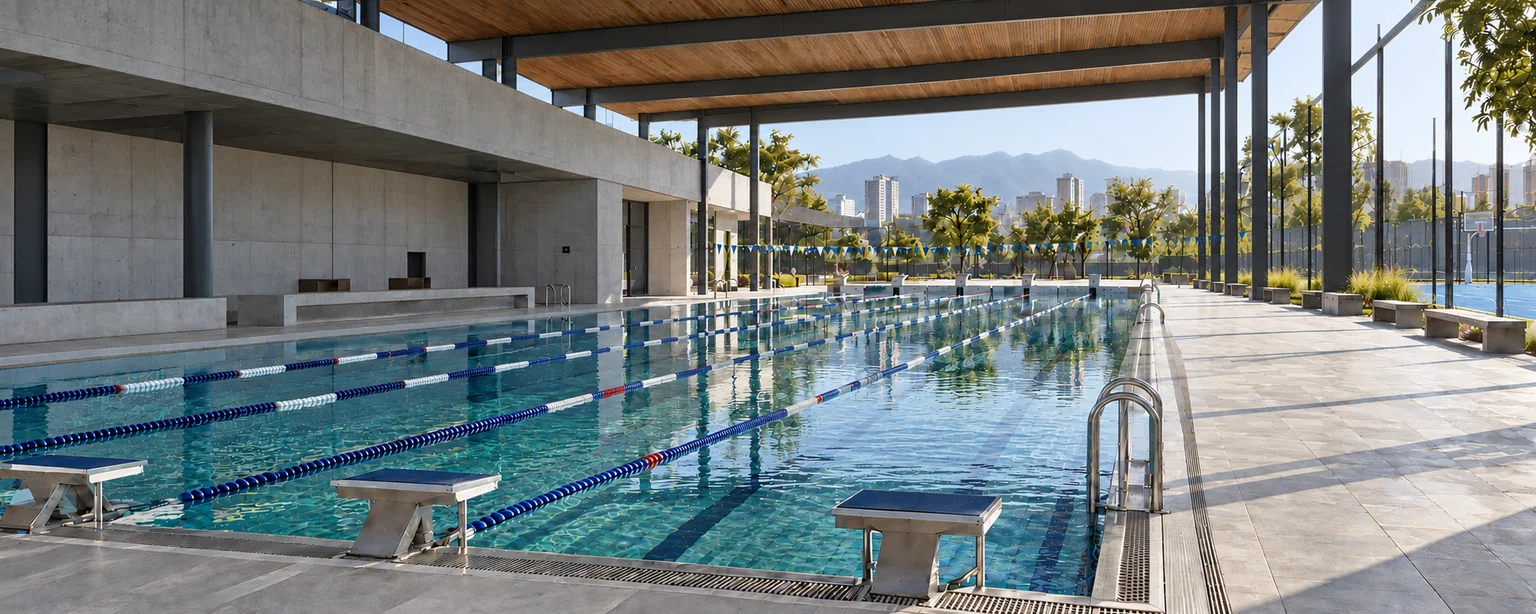
Sports facility management
Coordinate courts, pools and halls from availability to scheduled use. Organise locations and zones, book by activity and manage conflicting bookings across shared spaces.
Facility and booking management
A class can occupy one lane; a competition, the entire pool. Define how these spaces relate to coordinate activities sharing a time slot.
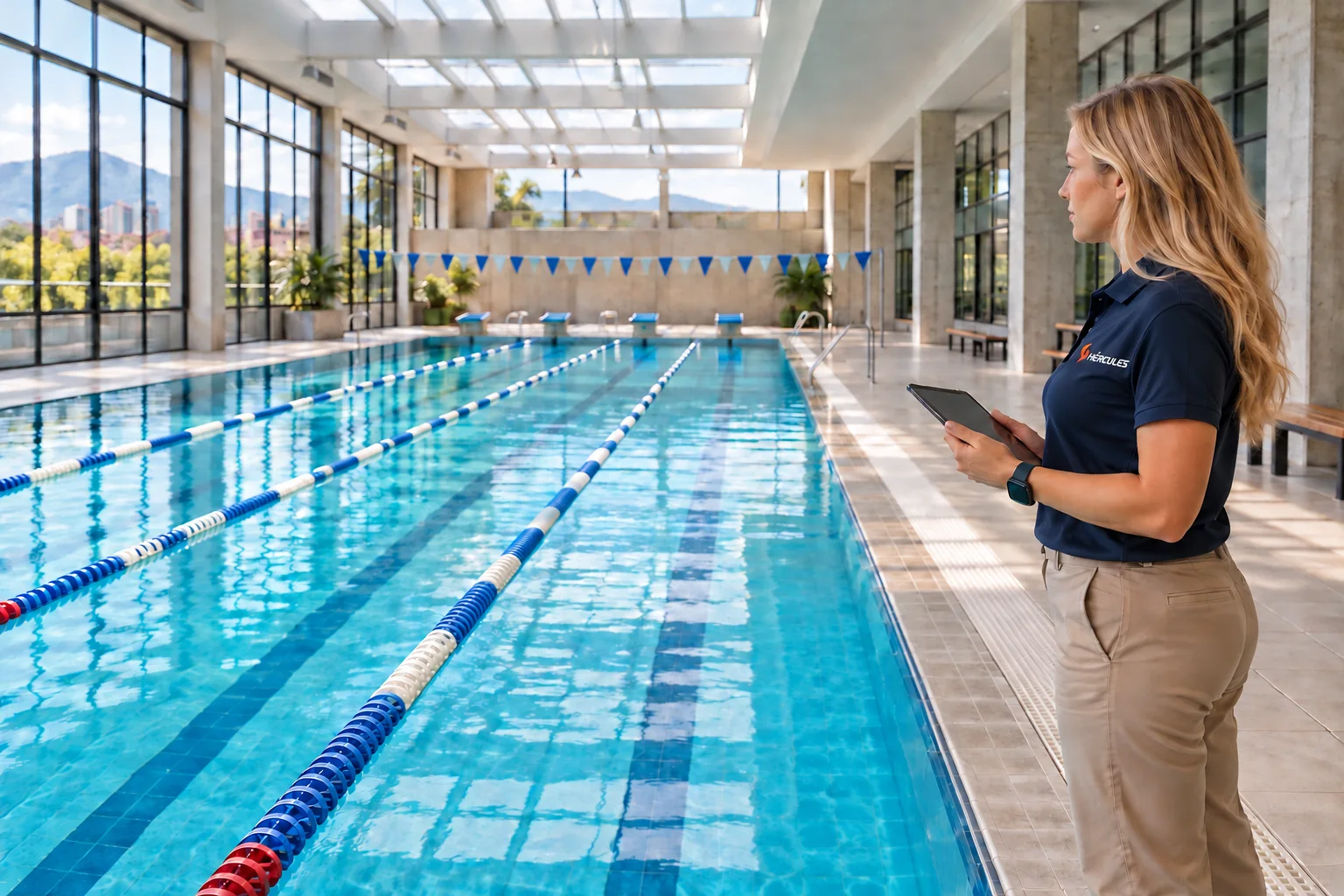
Organise a pool and its lanes, a pitch and its subdivisions, or an auditorium split in two. Relationships between spaces make it possible to check which bookings can share a time slot.
Illustrative example · 08:00 to 09:00
Compare a class in one lane with an activity requiring the whole pool.
Lane 2 is booked for a class. The other lanes remain available; a whole-pool booking would be rejected because of the conflict.
Illustrative example · 08:00 to 09:00
A quarter for level 1 classes, half a pitch for training or the whole pitch for a match.
Quarter 1 is booked for a level 1 football class. The other three quarters remain available. A booking for the left half or the whole pitch would be rejected because of the conflict.
Illustrative example · 08:00 to 09:00
Compare an activity in half the auditorium with a meeting requiring the whole space.
Half 1 is booked for a workshop. Half 2 remains available for another activity. A whole-auditorium booking would be rejected because of the conflict.
Each option shows an independent situation for the same time slot, with zone relationships and conflict checking enabled.
Define locations, facilities, zones and subzones. Assign responsibilities and permissions so each team manages its designated spaces.
Check availability by zone, dates and duration. Prepare one-off or recurring bookings for classes, tournaments, open practice and maintenance.
Link whole zones, subdivisions and connected spaces. With control enabled, Hércules™ rejects overlapping bookings.
Move, copy, cancel or reactivate bookings. Organise provisional bookings with responsible staff and expiry dates; notifications require configured tasks.
Experience at Pontificia Universidad Javeriana. The Hércules™ implementation includes facility registration, zone subdivision and hierarchy, booking management, reports and calendar. This scope supports the Olimpiadas Javerianas and the university's sports events.
View booked, service and maintenance hours, with usage and availability percentages by location, facility or zone. The report is based on bookings; attendance is viewed separately.
How to interpret the report: if one court has many maintenance hours while another has availability, your team can review where to schedule upcoming activities. Before moving them, check free times and each zone's conditions. The decision belongs to the scheduling manager.
You can rearrange the report table and export it to Excel to review space distribution with your team.
Start with the locations and zones you need to coordinate, their subdivisions and booking rules. We agree who manages each space and which availability and usage information your team needs.
We define the hierarchy of spaces, relationships between zones, permissions and rules for checking booking conflicts. Internal bookings are a configurable standard capability. Public self-service depends on open-practice slots and workflows enabled for each service.
The usage report is available and configured for your organisation's locations, facilities and zones. Room bookings from a quotation require the optional corporate sales module.
With your team, we review the space inventory and a sample schedule. This information defines the zone relationships, recurrence, times and permissions to configure.
The proposal details licensing, configuration, staff training and agreed support. If you need to connect another calendar or system, we separately define exchanged information and integration scope.
Hércules™ includes an allocation tool suggesting facilities and zones from a scheduling file and configured restrictions. It returns the file for review and subsequent upload; it does not create bookings directly.
Implementation requires adapting columns, the importer and rules to the organisation. Documented scope covers physical and virtual rooms; pool courses are outside this allocation tool. The examples above illustrate booking control, a separate capability.
You can share the information you already have:
We define the space structure, conflict checking and rules to configure. We distinguish internal booking, self-service and connections with other services.
The next step
Share a week's schedule and how you divide your facilities. We will review bookings, conflicts and usage information to define your operational configuration.
